Choose how much to automate.
Some conversations need a reminder. Others need a draft waiting for you or a follow-up you’ve already authorized. Choose the action that fits the relationship.
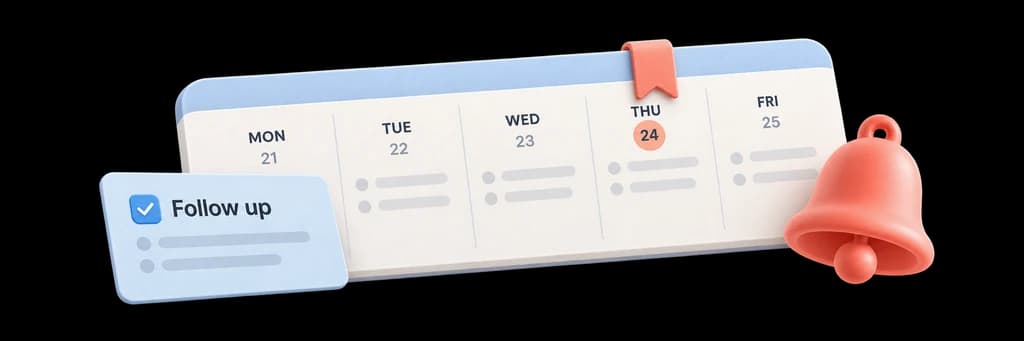
Keep proposals, client requests, and important conversations moving. Set up the follow-up, review what needs your attention, and see what’s complete.
Workflows are included in Pro and Team.
Choose the conversation, write the follow-up, and set the waiting period. Elite checks the configured conditions and brings the next action back when it’s due.
Explore workflow examplesSome conversations need a reminder. Others need a draft waiting for you or a follow-up you’ve already authorized. Choose the action that fits the relationship.
Keep documents, signatures, and checklist steps with the client’s next actions. A page view is useful context. A reply, completed signature, or confirmed checklist item tells you something different.
 Maya Chen[email protected]
 Jordan Lee[email protected]
Wait for the chosen number of business days, prepare the message, and stop on a detected reply or completed linked signature.
Collect the documents, details, and acknowledgements you need to start. Review completed items and follow up on what’s missing.
Keep interview documents and agreed next steps together. Track explicit responses and hand the next step to the recruiter.
Check the audience and content before launch, then inspect delivery and replies. Sending follows the campaign’s review process.
Choose a relationship date and prepare a personal check-in with the context of your existing conversation.
Start with a checklist or create a rule for a reminder, draft, or follow-up. Choose its conditions and timing.
No. A reminder brings the conversation back to your attention. Drafts and automatic follow-up sends are separate actions that you configure.
Workflows are included in Pro and Team.
