Give it the context you choose.
Grant access to the activity, contacts, campaigns, or documents needed for the task. Reading, preparing changes, and sending have separate permissions.

Connect your AI tools to Elite to review activity, prepare messages, and work with your documents. Choose what they can access and review sends before they go out.
Requires a compatible AI client. Available tools depend on your plan and permissions.Ask your connected assistant to review recent conversations, summarize campaign results, or prepare a reply. Elite provides the workspace tools and access controls; your AI client provides the assistant.
See permissions and setupGrant access to the activity, contacts, campaigns, or documents needed for the task. Reading, preparing changes, and sending have separate permissions.
An AI-prepared tracked message goes through a preview and human review. Approval applies to that sender, audience, and content. The assistant cannot approve its own send.
Ask for a summary of email activity and outstanding conversations using the information available in your workspace.
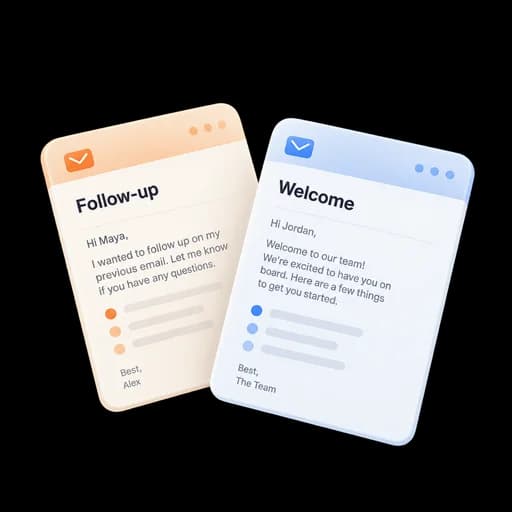
Use the conversation and contact history to prepare a tracked message, then open its review before sending.
Inspect delivery, replies, and engagement. Ask the assistant to explain the results and the limits of the available data.
Review page activity or the status of a signature request without searching through several screens.
Inspect permissions and recent activity for each connection. Disconnect an assistant when it no longer needs access.
Owners and admins can limit AI access by role, from read-only access to permitted preparation and actions.
Elite provides connection guides for ChatGPT, Codex, Claude, and other clients that support remote MCP with OAuth. Your client’s plan and organization settings may affect availability.
Requires a compatible AI client. Available tools depend on your plan and permissions.
