
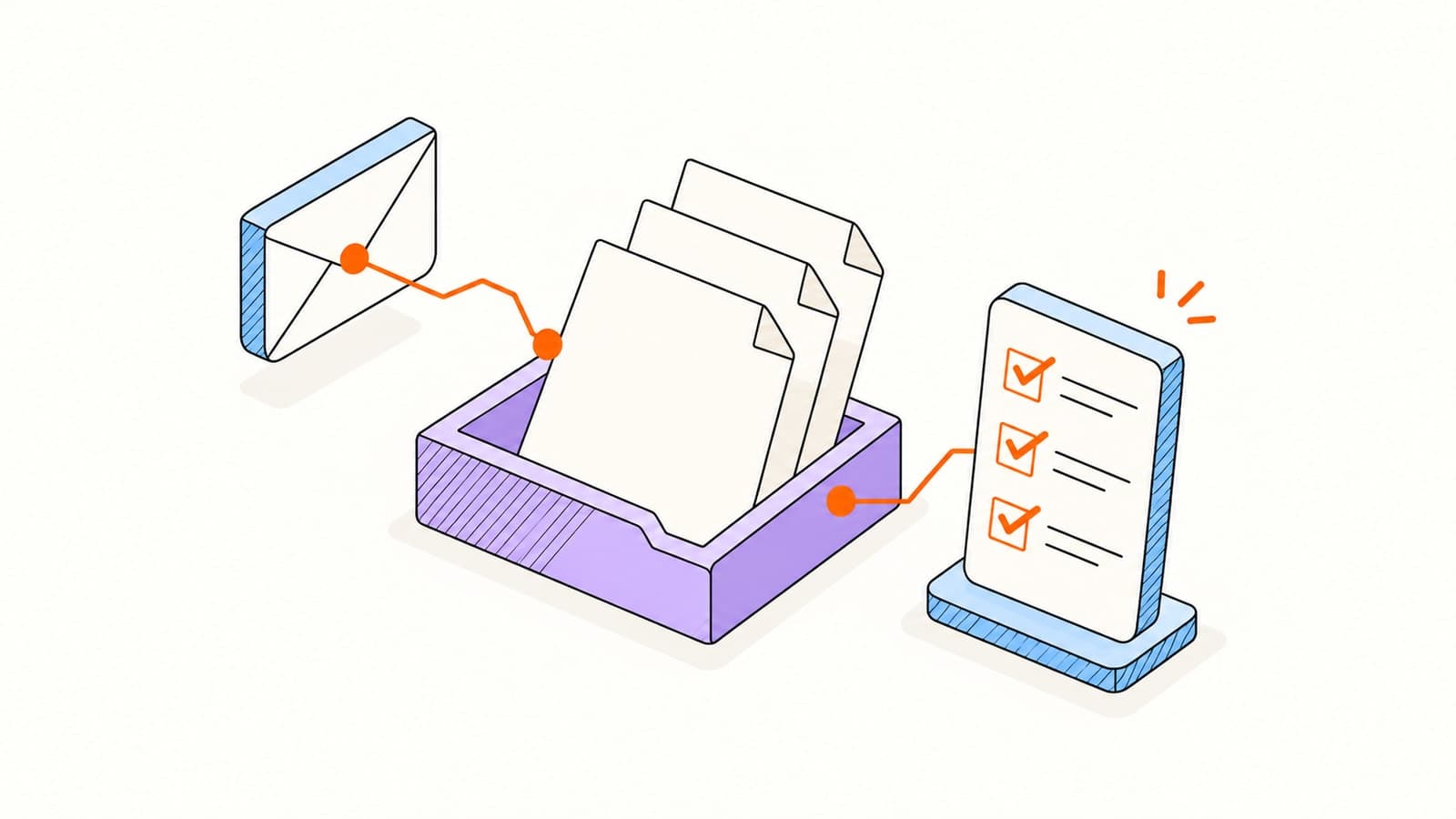
A project is ready to begin, but the brief is in one email, the reference files are in another, and the client has not sent the final approval document. Asking for ‘the remaining paperwork’ leaves both sides guessing about what is missing.
These document request email templates give the recipient a concrete next step. Use them for a new client handoff, a routine collection, or a replacement file. The examples are fictional; adapt the document list to your actual work rather than collecting information simply because it appears in a template.
Template 1: the first document request email
Lead with the project and the reason for the request. Put the files in a short list, then give one destination and a specific deadline. Include the time zone when you and the client work in different locations.
SubjectDocuments needed for [project] by [date]
For an agency onboarding a client, ‘approved brand guidelines as a PDF’ is clearer than ‘branding.’ For a recurring review, specify the period rather than asking for ‘recent statements.’ Mark optional items explicitly so they do not hold up the rest of the submission.
Build a document collection checklist before you send
A checklist makes the email and the review process agree. Copy the example below into your working notes, then replace every row. It is an illustrative project checklist, not a list of documents every business should collect.
| Item | What to specify | Required? | Review status |
|---|---|---|---|
| Project brief | Current approved version, PDF | Yes | Not received |
| Reference files | Relevant examples, supported file types | Yes | Received; review pending |
| Brand guidelines | Current version, PDF | If applicable | Ask client to confirm |
| Approval document | Complete file with all relevant pages | Yes | Replacement requested |
- Record the client, project, request owner, due date, and submission destination.
- For each item, state the acceptable format, relevant period, and any missing-page checks.
- Separate not received, received, accepted, and replacement requested in your review notes.
- Ask only for information needed for this task, and decide who should review it.
This small amount of preparation helps you give a precise answer when a client asks, ‘What do you still need from me?’ A generic completed/not completed label cannot explain whether the problem is a missing file or an unreadable one.
Template 2: follow up on missing documents
Check the submission destination before sending a reminder. Thank the client for files already received, name only the remaining items, and keep the same upload destination. Set the timing around the agreed deadline and the work that depends on it; there is no universal reminder interval.
SubjectStill needed for [project]: [missing items]
Avoid repeating the entire original list: the recipient may think earlier uploads were lost. If the deadline changes, explain the next realistic step directly. For other conversations, our follow-up email guide includes examples beyond document collection.
Template 3: request a replacement document
Describe the issue with the file rather than judging the person who sent it. A useful review note identifies the exact item and the correction needed, such as a missing page, unreadable scan, wrong period, or unsupported format.
SubjectOne update needed: [document] for [project]
Keep sensitive contents out of the email subject and review note. Explain enough to resolve the problem without copying personal information from the document into another channel. Confirm that a replacement actually addresses the issue before closing the request.
How to collect documents from clients with one request
If replies and attachments are becoming hard to reconcile, a document collection workflow can keep the checklist with the files. Elite Mail Suite’s document requests let you list required and optional items and give one recipient a private upload page.
Create a document request, name the items, and add clear instructions for each file.
Choose the recipient and due date, then check the request before sharing its private link.
The recipient opens the link, uploads files against the checklist, and submits without an Elite account.
Review each item. Accept usable files or request a replacement with a specific note.
Complete the request when the required items are accepted; review and cancel access when it is no longer needed.
Document requests collect files from someone else. Document tracking serves a different task: reviewing activity on a document you share through a hosted viewer. Email opens cannot establish that a client uploaded the correct file, and receiving a document does not establish agreement or a signature.
A final check before requesting client documents
- Replace every bracket and verify the recipient, project name, and link.
- Remove documents you do not need and separate optional items from required ones.
- Check accepted file types, file-size limits, storage allowances, and link expiration.
- Give the client a way to ask for help or explain that an item does not apply.
- Review the checklist before reminders so completed items are not requested again.
You can send these templates from your usual inbox. The useful improvement is a specific request and a reviewable checklist, whether you manage a small collection manually or use a dedicated request page. See plans and current allowances before choosing a workflow for ongoing collections.
Frequently asked questions
How do I politely request documents from a client?
Explain the next step the documents support, list the exact files, give a clear due date, and provide one submission destination. Invite the client to say if something does not apply or is unavailable. The first-request template above gives you a copyable starting point.
What should a document request follow-up email include?
Acknowledge what has arrived, list only the outstanding items, repeat the submission link, and state the current deadline. Check for recent uploads before sending and stop reminding the client about items you have accepted.
Do clients need an account to submit an Elite document request?
No. They open the private request link, upload the checklist items, and submit them for review without an Elite account. The sender needs an account, and file, storage, and plan allowances apply.
Is a private upload link enough to verify a client’s identity?
No. A private link is access-bearing. Share it only with the intended recipient, and evaluate any additional identity, security, retention, or contractual requirements before using the workflow for sensitive files.
Sources & further reading
Provider instructions and product details checked on November 12, 2026. Check the linked source for later changes.
