Page-level attention
See dwell time and coverage instead of a single opened/not-opened state.
Track document views, time on each page, and downloads. Review the activity on a proposal before you follow up.
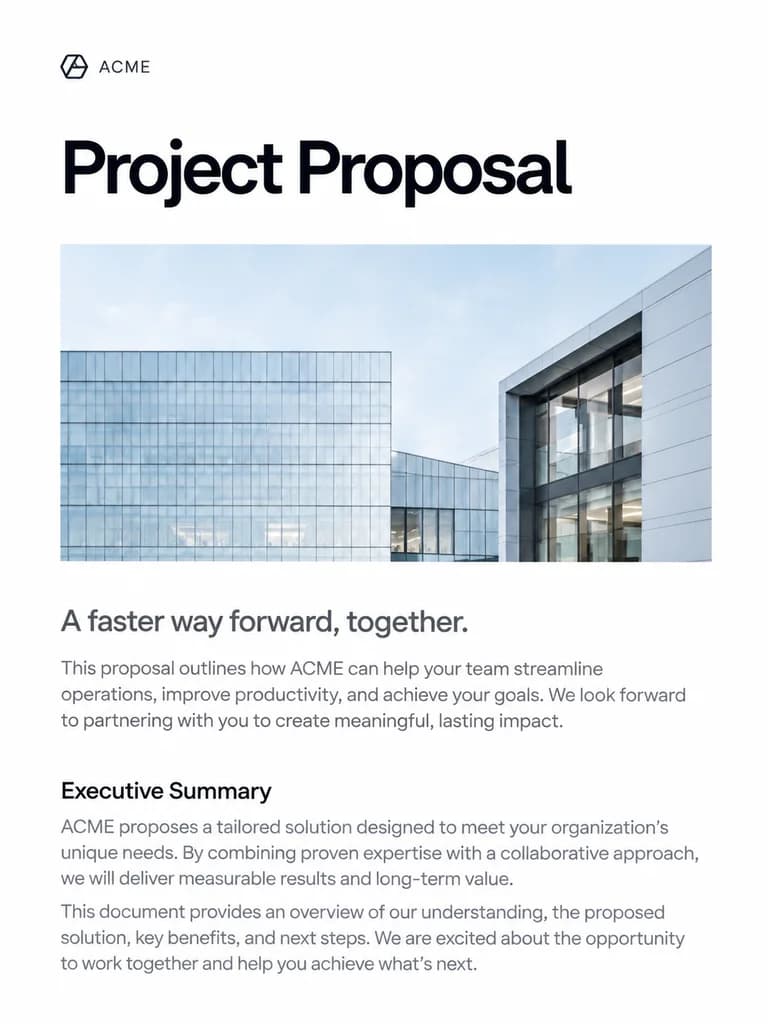
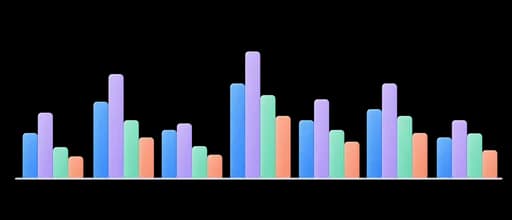
See page-by-page activity and viewing sessions for each tracked link. Compare engagement across recipients and focus your next conversation on the sections receiving attention.
See dwell time and coverage instead of a single opened/not-opened state.
Follow up when a proposal or deck is actively being reviewed.
Track separate documents in the same workflow.
Find documents and open their reports from the same library you use to manage your files.
Review individual viewing sessions, page coverage, and downloads for each tracked link.
Use page-level engagement alongside email history to prepare a more relevant follow-up.
Upload the proposal, presentation, or client file you want to share.
Prepare a link for your recipient and set access and download permissions.
Insert the link into your message or copy it to share.
See viewing sessions, page attention, and downloads before following up.
See whether attention stopped at pricing, implementation, or signature pages before following up.
Supported PowerPoint, Excel, and CSV viewers report slides, sheets, or row coverage using the same tracked-link model.
Create separate links when you need distinct viewer histories instead of sharing one ambiguous URL.
Answers about setup, compatibility, privacy, and day-to-day use.
The document analytics layer supports PDFs and tracked content units for presentations, spreadsheets, and CSV files. The exact viewer experience depends on the format.
Keep sharing controls, follow-ups, and signature requests with the work you send.
See document views and activity on each page.
