
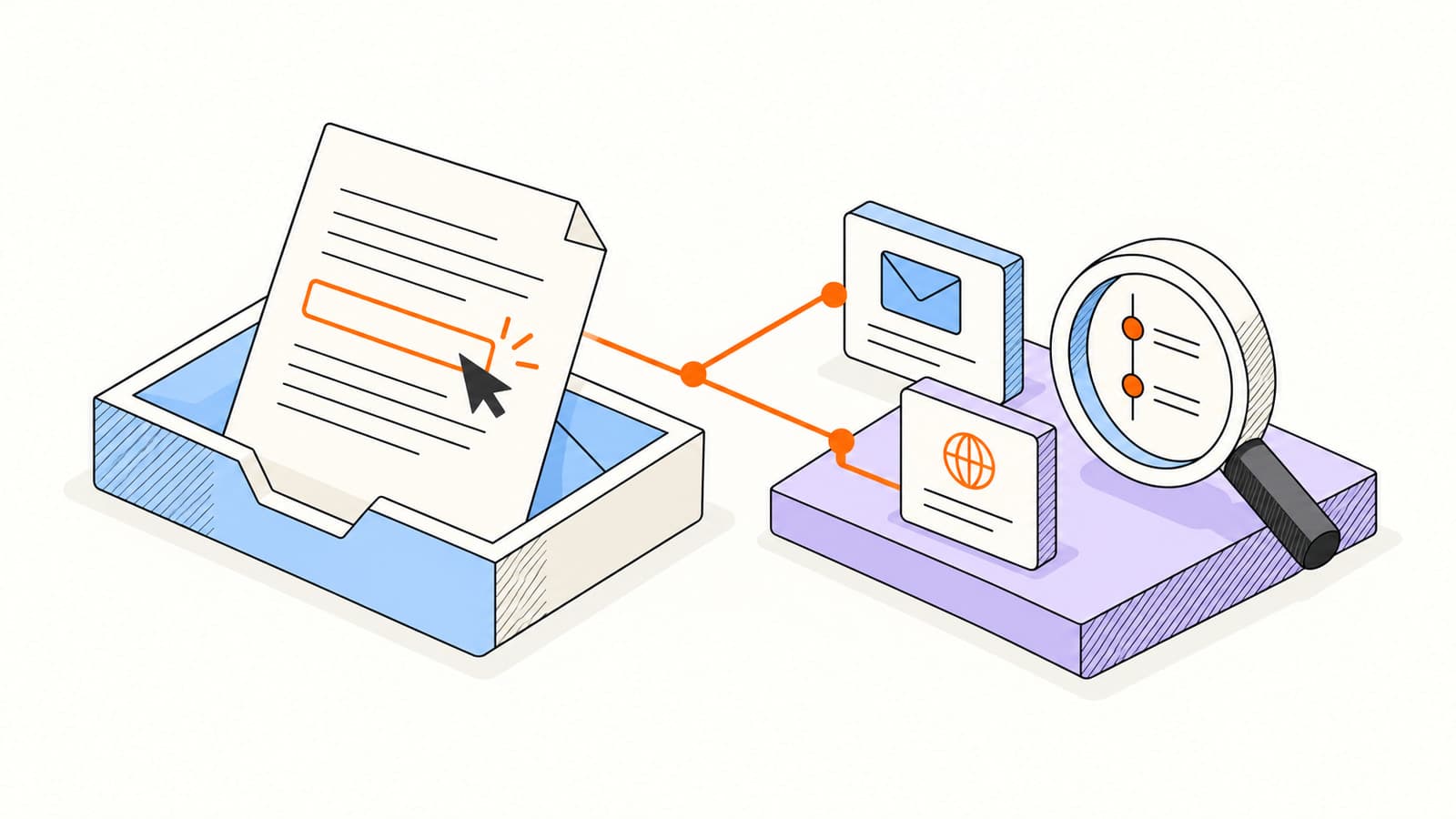
Your email asks the reader to do something: review a proposal, choose a meeting time, or read a short product update. Link activity can show which next step attracted attention. It is often more useful than an image load because it connects the message to a destination.
That still does not make every request a person’s deliberate click. This guide explains the redirect mechanism, the effect of security scanning, and a small reporting framework you can use before changing a campaign or contacting a customer.
How tracked links work
A tracking tool wraps the destination in a URL with a tracking identifier. The redirect route records the request and then sends the visitor onward. The reader should still reach the page promised by the link text. That destination is the part that needs to be useful.
Choose the destination and write descriptive link text.
Enable link tracking in your supported sending workflow.
Send a test to a separate inbox and open the destination there.
Review the message timeline for the request and its classification.
Do not wrap every possible link just because you can. Keep navigation simple and make the main action easy to find. A long message with a dozen competing destinations is difficult to interpret and often difficult to read.
Why a click can come from a security system
Organizations inspect links to protect recipients. Microsoft’s Safe Links overview describes URL scanning and rewriting during mail flow, plus checks at click time. Automated inspection means a request can exist before the person acts.
The pattern can be a clue, but it is not a diagnosis. Several requests immediately after sending or a rapid sweep of every link may deserve review. A single request at a plausible time can still be uncertain. Avoid inventing identity or intent from timing alone.
| Observed activity | A useful interpretation |
|---|---|
| Every link requested in quick succession | Inspect classification; automated scanning is possible. |
| A likely-human click followed by a reply | Read the reply and answer the stated need. |
| A document link requested repeatedly | Review viewer sessions before assuming sustained reading. |
| No click | The recipient may have replied, copied a URL, or chosen another action. |
Elite keeps likely-human link activity distinct from scanner, proxy, and unknown signals. The link tracking documentation explains the supported behavior. Use classification to reduce noise while retaining room for uncertainty.
Calculate a click rate with a clear denominator
Before comparing two campaigns, agree on the unit. A count of all link requests is different from a count of distinct messages with likely-human link activity. A per-recipient campaign can also count distinct recipients, but a shared group message cannot reliably attribute every request to a person.
Use the same denominator, time window, and filtering rule across comparisons. If you have verified delivery data, you can define a delivered-message denominator; if you only have send confirmations, label the metric accordingly. Do not quietly rename sent messages as delivered messages.
Click-to-open comparisons are especially sensitive to image blocking and privacy-prefetch behavior. When the open denominator is uncertain, a more stable comparison may use qualified clicks per individualized send alongside replies and completed actions.
Write links people can understand
- Use destination-specific text such as Review the revised project scope.
- Keep one main action prominent and relevant to the message.
- Make the destination readable on a phone and usable with a keyboard.
- Check permissions so the recipient can access the page.
- Avoid putting confidential personal details in the URL.
- Test expiration and access restrictions before sharing a document.
A link should work even if the person has no interest in being measured. If the destination requires an account, say so when it helps avoid surprise. If you are sending a document, use controlled document sharing and explain what is available there.
Use link activity to prepare, then ask a real question
A customer’s likely-human visit to a project summary can help you choose a relevant follow-up. It does not tell you their budget, approval status, or objections. Ask for the next piece of information that would move the conversation forward.
SubjectAny questions about [project scope]?
Keep the message focused on helping the recipient evaluate the work. If they reply, answer that reply and stop the generic sequence. If there is no meaningful activity, follow your existing cadence instead of increasing frequency to produce another event.
Frequently asked questions
Can link tracking work when email images are blocked?
Yes, a recipient can follow a tracked link without loading the open-tracking image. A qualified click can therefore add context when no pixel open is recorded.
Does a tracked click prove a person visited the page?
No. Security scanners, previews, and automated systems can request links. A likely-human classification helps interpret the event but is not proof of identity or intent.
Should I track every link in an email?
Focus on the action you need to understand. Keep the message readable, verify destinations, and avoid collecting more detail than is useful to the conversation.
Sources & further reading
Provider instructions and product details checked on . Check the linked source for later changes.
