
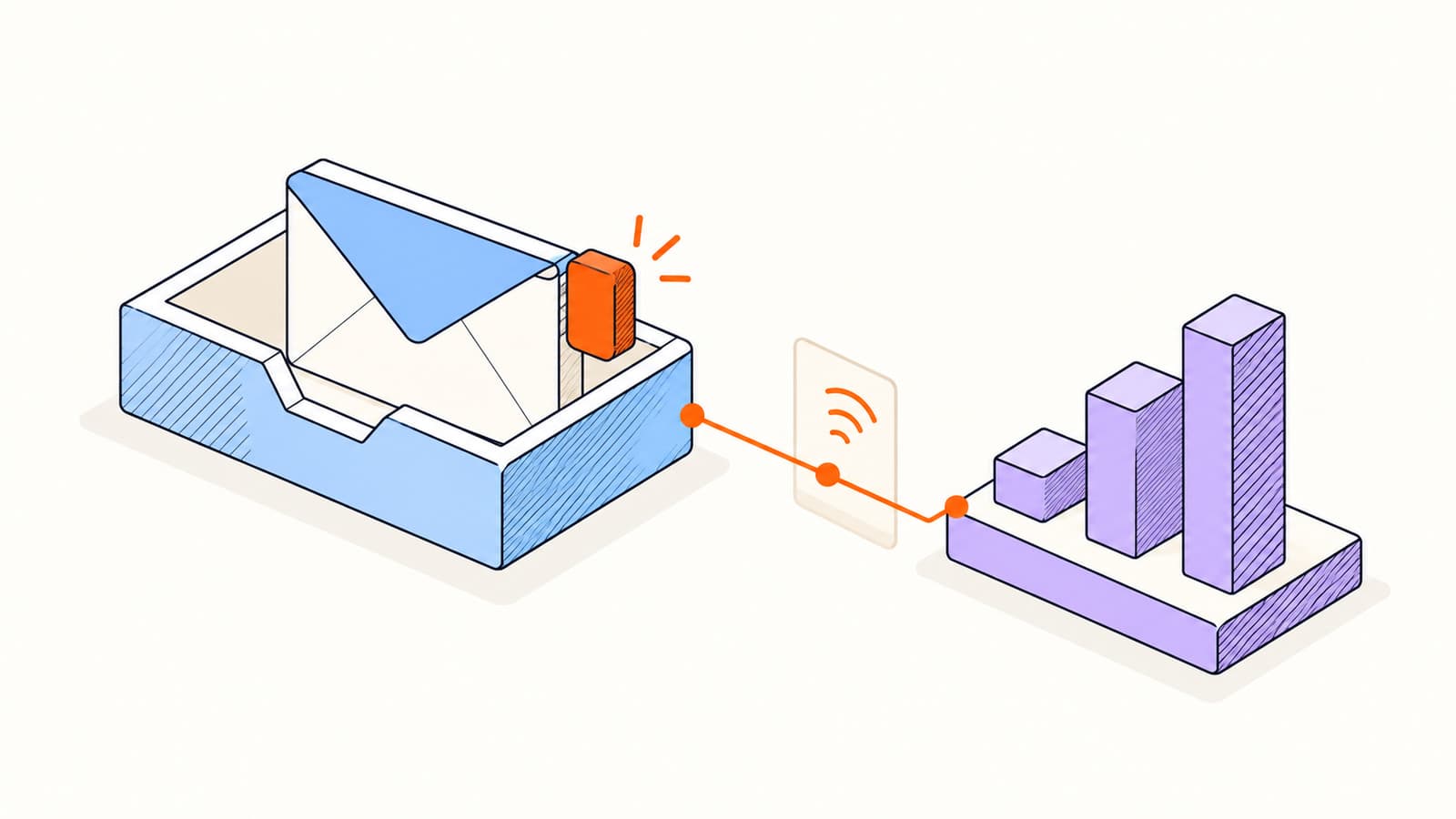
Email tracking is useful when it helps you decide what a conversation needs. It becomes distracting when a counter gets treated as certainty. A dozen requests from an automated system may mean less than one short reply from your customer.
To use tracking well, follow the evidence from the outgoing email to the report. This guide explains the mechanism, the common sources of uncertainty, and a repeatable way to evaluate the activity before you act.
What is an email tracking pixel?
A tracking pixel is usually a tiny remote image referenced in an HTML email. The URL contains an identifier that lets the tracking service associate an image request with a message. It does not require the recipient to click a visible button. Plain-text messages cannot display an embedded image.
The sender enables tracking before sending.
The outgoing HTML includes a message-specific image URL.
A mail client, privacy service, or gateway requests the image.
The tracker records and classifies the request for its activity report.
Elite uses an opaque identifier in the public image URL rather than putting the recipient’s email address there. Its documentation also describes an optional signature-image mode. The important question remains the same in either mode: what caused the remote image to load?
Separate sent, opened, clicked, and replied
| Event | What it helps establish | What it does not establish |
|---|---|---|
| Provider send confirmation | The connected provider accepted the send. | Inbox placement or human reading. |
| Tracking image request | A system requested the message’s remote image. | Who read every word or agreed to the offer. |
| Qualified link activity | A likely-human interaction with a tracked destination. | Purchase intent or a completed action. |
| Reply | Someone responded to the conversation. | A positive outcome unless the reply says so. |
Keep these events separate in your process. A bounced message calls for correcting the address or stopping the send. A reply calls for answering the person. A click can suggest a relevant follow-up, but it should not override a stated preference or a request to stop.
Why email tracking is not completely accurate
The tracking service sees requests, not the person’s eyes. If remote images are blocked, someone may read your entire message without generating an image request. A cached image can mean that later reading does not generate another request. Conversely, software can fetch an image without the recipient reading anything.
Apple explains that Mail Privacy Protection downloads remote content in the background. Corporate security systems can also inspect links and remote resources. These systems serve legitimate privacy and security purposes; their activity should not be interpreted as sales interest.
- False positives: automated loading or sender activity can look like recipient engagement.
- Missing opens: blocked images, caching, or offline reading can hide activity.
- Uncertain identity: forwarding and shared links can mix different people’s requests.
- Imprecise timing: a proxy request may occur at a different time from the person’s read.
A useful report retains that uncertainty. In Elite, likely-human opens contribute to likely-open metrics, while privacy proxies, scanners, self activity, and unknown signals stay separate. This is a classification of evidence, not a guarantee of identity or attention.
Why group messages cannot identify every reader
Imagine one email sent to Ava and Noah, with the same tracking image in both copies. A request for that image identifies the message, but the image identifier alone cannot tell you which person loaded it. Additional network clues do not reliably repair that missing distinction.
An individualized campaign creates separate deliveries with separate tracking contexts. That improves the basis for recipient-level reporting, while privacy tools and forwarding still impose limits. Choose personalized mass email when you need separate conversations, rather than reading a group open as a result for each recipient.
A five-minute workflow for reading activity
Check send errors or known delivery problems first.
Read any replies before looking at open counts.
Review the classification and timing of activity.
Look for a meaningful click or document session that adds context.
Choose a next step based on the relationship, the deadline, and what the person actually needs.
For example, suppose a customer opens a proposal link and then asks about implementation. Answer that question. If the only activity is an automated image load immediately after sending, keep the planned follow-up date. If there is no activity but the customer had asked for a reminder, send the reminder.
The goal is to improve judgment, not to maximize a dashboard number. Read our link tracking guide to interpret the next signal, or use follow-up templates to write the next message.
Frequently asked questions
Does an email open mean the recipient read it?
No. Open tracking records an image request, which may come from a mail client, proxy, or security system. Classification can improve interpretation, but it cannot prove careful reading.
Can a tracker see how long someone read an email?
A standard open pixel does not measure continuous attention. Repeated requests are not a reliable reading-duration timer. Hosted document viewers can report estimated session activity, with their own limitations.
Can someone read an email without being tracked?
Yes. Blocking remote images, offline viewing, plain-text reading, and privacy tools can prevent or obscure the signals available to an email tracker.
Sources & further reading
Provider instructions and product details checked on . Check the linked source for later changes.
