Available Google features
Keep independently supplied contacts, notes, lists and authored activity in the cloud. Gmail mailbox relationships remain browser-local or device-only.
Keep independently supplied contacts, notes, lists and authored activity in the cloud. Gmail mailbox relationships remain browser-local or device-only.
Outlook and independently authored cloud messages retain their supported features. Gmail mailbox associations stay local.
Use fresh manual or CSV contacts, or a spreadsheet selected through Google Picker. Native Gmail requires a configured, approved release.
使用列表、注释和标签来组织您的联系人。保持最近的活动与关系密切,并直接利用您的受众进行个性化外展。
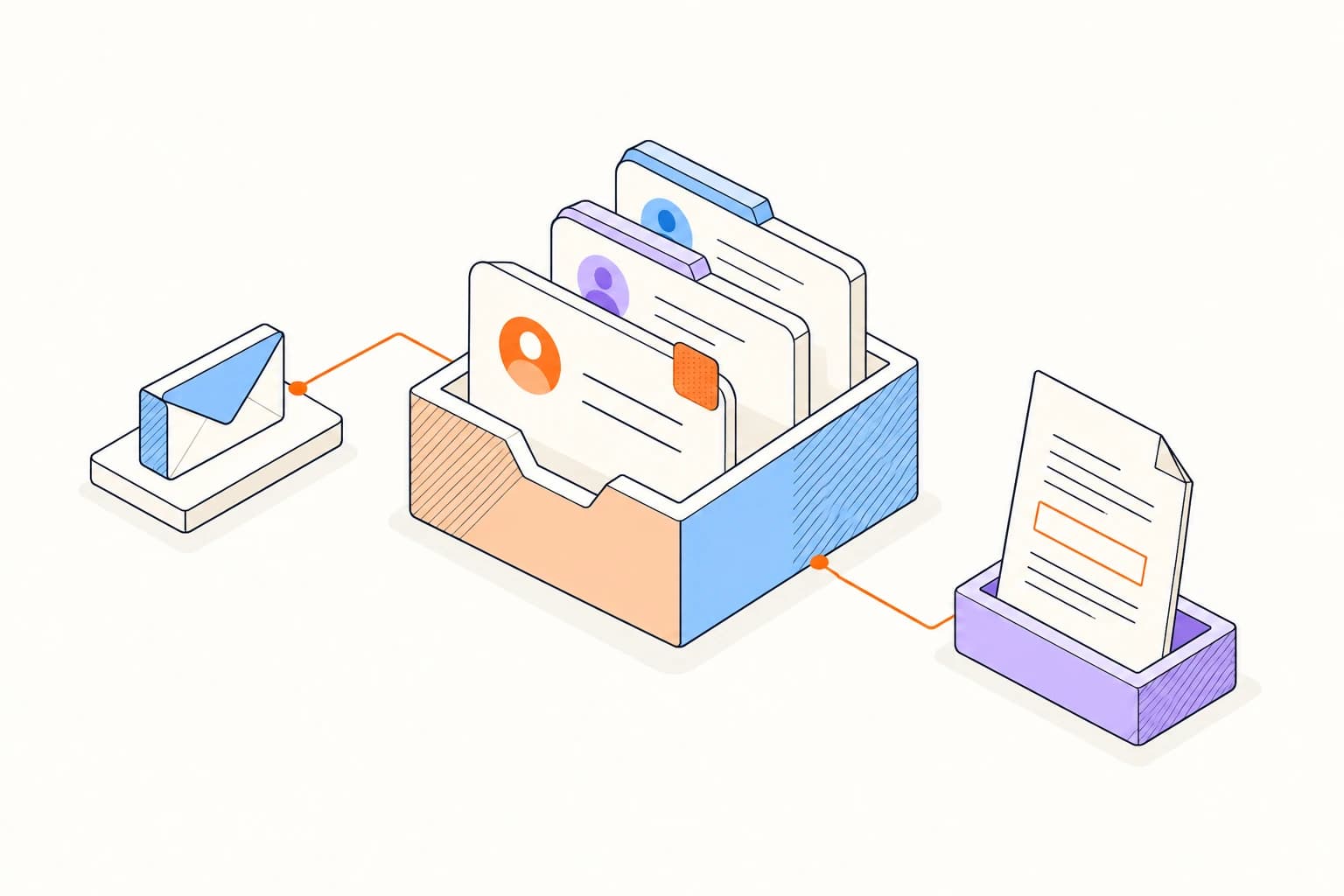
添加与您一起工作的人员,将他们分组到有用的列表中,并在下次对话之前保存您需要的详细信息。
整理您的联系人整理您的第一个联系人列表Read the last note, check the shared files, and pick up where you left off. Add the next useful detail after the conversation.
在下一次对话之前打开联系人以查找最近的消息、共享文件和注释。
对客户、候选人、合作伙伴或潜在客户进行分组,以进行负责任的个性化推广。
当您记住文档但不记得主题行时,请使用附件和共享文件索引。
Gmail mailbox history is not a cloud contact source or export. Old private CRM copies stay blocked after cleanup and reconnect.
有关设置、兼容性、隐私和日常使用的答案。
No. Use fresh manual entry, CSV or Picker-selected Sheets.
