First tracked email
Pair the extension, refresh the inbox, send, and understand one versus two checkmarks.
Follow practical guides to tracking, campaigns, document sharing, signatures, and team setup.
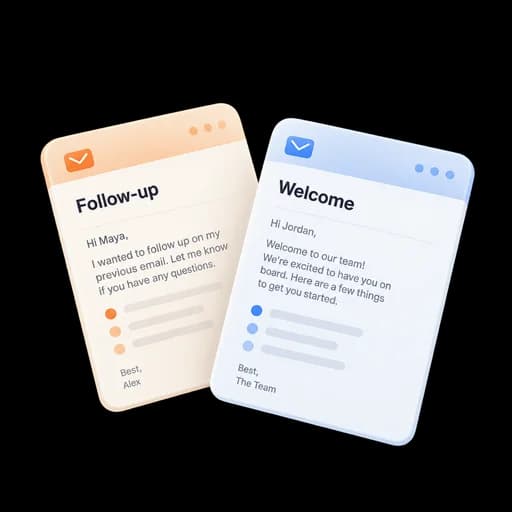
Start with connecting your inbox, then follow focused guides for tracking, outreach, documents, and signatures.
Start with first tracked send, campaign, document, signature, team setup, or integration.
Check provider connection, browser or add-in, entitlement, sender identity, and permissions.
Use the compose toolbar, dashboard workspace, viewer, or admin surface shown in the tutorial.
Look for the tracked marker, provider status, event classification, link state, or completed request described at the end.
Pair the extension, refresh the inbox, send, and understand one versus two checkmarks.
Upload, issue a separate link, set access policy, and read page analytics.
Invite members, reserve seats, assign roles, set policy, publish content, and test visibility.
Answers about setup, compatibility, privacy, and day-to-day use.
Start with First tracked email, then choose the workflow you actually use: reminders, outreach, documents, signatures, CRM, or teams.
Start with a proposal follow-up, a client checklist, or a campaign review.
Short guides for every Elite Email Tracker workflow.
