Prepare announcements that reach each person individually.
Preview recipient names and departments before sending separate messages from your connected inbox.

Coordinate student, family, and department email with reusable messages, document sharing, and timely reminders.
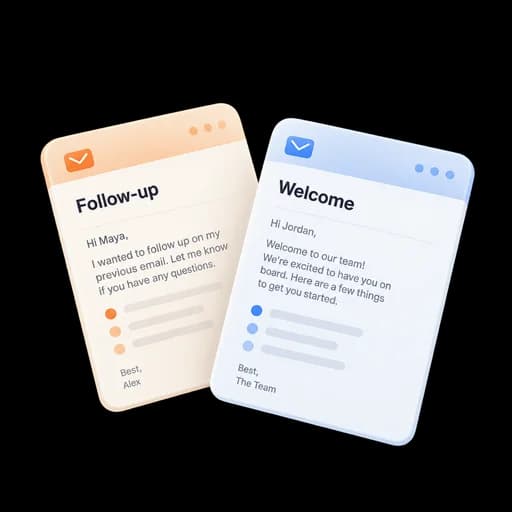
Bring individualized announcements, shared materials, and follow-up reminders into your everyday email workflow.
Preview recipient names and departments before sending separate messages from your connected inbox.
Share an email poll and review response totals when coordinating availability or preferences.
Share a controlled programme link and follow up on outstanding administrative replies.
Use tracking for recommendations, research coordination, administrative requests, or other time-sensitive mail.
Reuse approved templates and preview mail-merge fallbacks before individualized announcements.
Use controlled links for a large or revisable document instead of a permanent attachment.
Treat opens and clicks as imperfect delivery context and rely on replies or established channels for confirmation.
Share the required form and keep a list of responses still outstanding.
Prepare a reminder for a colleague’s reply or a document you’re waiting for.
Keep contacts, shared files, and follow-up dates together. An open is not evidence of participation.
Answers about setup, compatibility, privacy, and day-to-day use.
No. Image requests are imperfect signals and may be blocked, proxied, or automated.
Choose a follow-up, campaign review, or checklist and configure it for your work. Each template makes its review and completion steps explicit.
Follow up on important student and department email.
