Recipient context
Show the intended viewer label when the issuing client supplies one.
Display a viewer-specific watermark across your shared document. Keep recipient identity visible alongside the files you need to protect.
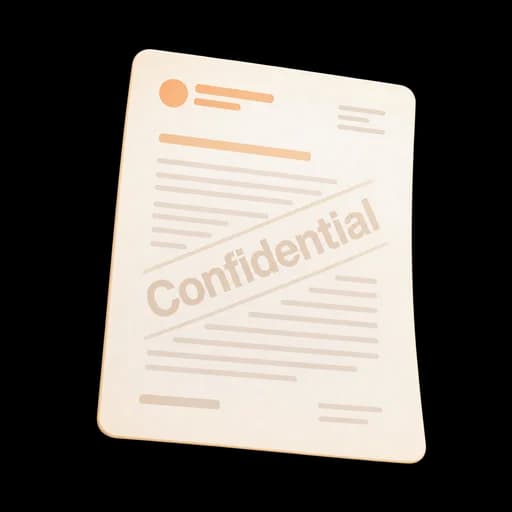
Combine recipient watermarks with controlled links, expiration, and download settings. Each page keeps its connection to the person the link was prepared for.
Show the intended viewer label when the issuing client supplies one.
Apply the mark across the browser PDF viewer rather than only on its first page.
Combine watermarking with expiration, view limits, download policy, and revocation.
Use the recipient label associated with each controlled link so the document stays visibly connected to its audience.
Set expiration on confidential links and keep access aligned with the period of review.
Pair recipient watermarks with download permissions and revocable document links.
Open the file you want to share confidentially.
Prepare a separate link with the appropriate viewer details.
Display the recipient identity across the document’s pages.
Combine watermarking with expiration, download controls, and revocation.
Place the intended viewer's email across each page to discourage casual forwarding.
Combine a clear confidentiality label with an expiring, non-downloadable viewer.
Create custom labels programmatically when issuing links from an authenticated client.
Answers about setup, compatibility, privacy, and day-to-day use.
The confidential mark is rendered in the controlled browser viewer. The source file remains unchanged.
Share with the right controls, review activity, and prepare a signature request when it’s ready.
Add a viewer-specific watermark to every page.
