Shape the message for each audience.
Use contact fields, reusable content, and recipient previews to prepare a considered campaign.
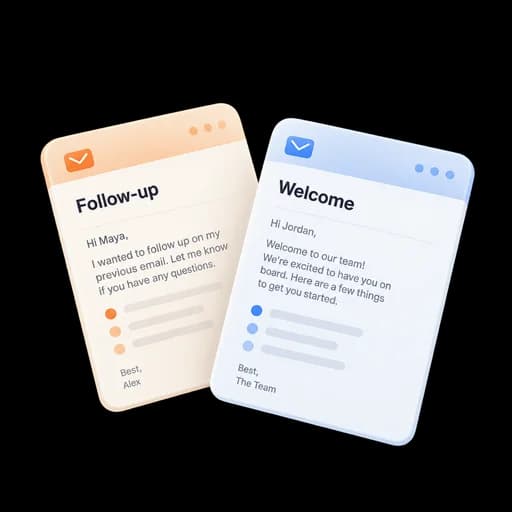
Create individualized campaigns, reuse your best content, and see which messages and links receive attention.

Personalize the send, separate meaningful activity from automated requests, and keep campaign reporting close.
Use contact fields, reusable content, and recipient previews to prepare a considered campaign.
Compare activity on your briefing, booking link, and shared resources at the link level.
Compare recipient activity and export supported reports for the next campaign review.

Import or select a list and resolve consent, suppression, and invalid-address issues before launch.
Use a published template, variables, links, files, video, and a compliant footer.
Send a test, inspect representative merge rows, and choose the provider and batch timing.
Review delivery, qualified opens, classified clicks, replies, bounces, unsubscribes, and document activity.
Check the audience and personalized content before launching the campaign.
Keep replies, shared proposals, and the next follow-up with the contact.
Review campaign delivery and responses, then share the findings and agree the next action.
Answers about setup, compatibility, privacy, and day-to-day use.
Campaigns send through a connected Gmail or Outlook identity; verified sender aliases can be selected when provider and deliverability requirements are satisfied.
Choose a follow-up, campaign review, or checklist and configure it for your work. Each template makes its review and completion steps explicit.
Send personal campaigns and measure engagement.
