Explain visually
Walk through a proposal, product, or process without another meeting.
Record your screen, camera, or both. Share a lightweight video preview in email and keep your recordings ready to reuse.
Walk through a proposal, demonstrate a product, or give useful feedback. Your recipient opens the video from an email-friendly preview, while you manage the recording and viewer activity in one place.
Walk through a proposal, product, or process without another meeting.
Insert a branded preview instead of a heavy attachment.
Keep video activity alongside the rest of the conversation.
Select the recording mode and browser capture source before you start.
Find previous recordings, copy their share links, and reuse the explanations your customers need most.
Insert an email-friendly preview that opens your recording from a lightweight share link.
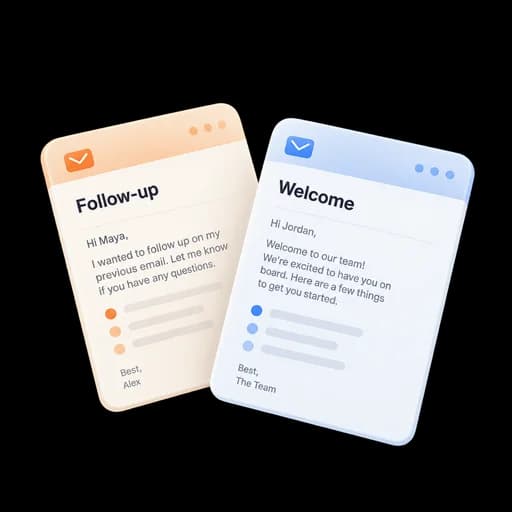
Select screen, camera, or both, and check your microphone.
Walk through the work you want your recipient to see.
Name your recording and insert its linked preview into an email.
Manage your recordings, copy share links, and review viewer activity.
Show the exact screen and sequence a prospect needs without scheduling another call.
Talk through a design, report, or document while your camera adds personal context.
Record a repeatable explanation and reuse its link instead of attaching a heavy file every time.
Answers about setup, compatibility, privacy, and day-to-day use.
No. The compose workflow inserts a linked preview card, which keeps the message lighter and lets the recording be reused.
Share a walkthrough alongside the document, then keep the agreement moving toward signature.
Record your screen and send it by email.
