Unopened and no-reply
Choose the threshold that fits the conversation.
Get a reminder when someone hasn’t replied, activity picks up, or an older conversation becomes active again. You choose when to check back.
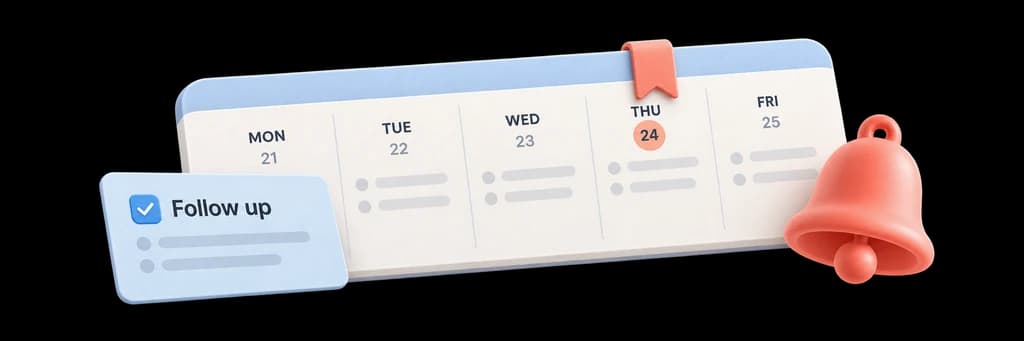
Set reminders around the way you work. Choose no-reply and no-open thresholds, catch repeat engagement, and bring quiet conversations back into view.
Choose the threshold that fits the conversation.
Surface repeated qualified engagement without notification noise.
Know when an older conversation becomes active again.
Choose a no-reply or no-open reminder and the window that fits your conversation.
Open the original thread directly from a due reminder and continue with the context you need.
See new engagement on a previously quiet message and make a timely, relevant return to the discussion.

Set a reminder for no reply or no open, with a time that fits the conversation.
Your reminder stays connected to the message as new activity arrives.
See overdue follow-ups, repeat interest, and conversations that become active again.
Open the original message, snooze the reminder, or adjust your notification preferences.
Bring back messages that still have no likely-human open after 24, 48, 72 hours, or one week.
Use no-reply reminders when an open is not enough and the next milestone is an actual response.
Revival detection surfaces new activity on a previously quiet thread without treating it as a basic scheduled reminder.
Answers about setup, compatibility, privacy, and day-to-day use.
The extension supports 24, 48, 72, and 168-hour default windows, plus Never. Per-message workflows can carry their own due time and condition.
Use workflows to prepare a draft or configure a follow-up. A reminder on its own does not send an email.
Know when it is time to follow up.
