Three useful formats
Save full messages, short snippets, or reusable signatures.
Save the messages and snippets you use most. Bring consistent, polished language into every conversation without starting from a blank page.
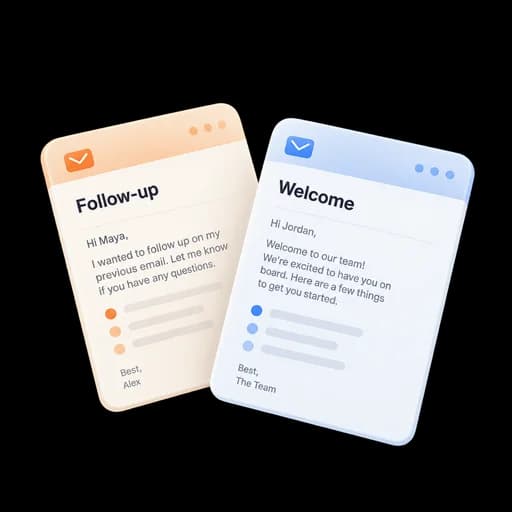
Keep proposals, introductions, and follow-ups ready in your content library. Share approved templates with your team and adapt them directly in compose.
Save full messages, short snippets, or reusable signatures.
Keep content personal, team-shared, or organization-wide.
Review changes before everyone sees them.
Save short passages as snippets and add them to an email without replacing the personal message around them.
Share templates at the right team scope so colleagues start with consistent language.
Load reusable content while composing, then tailor the greeting, details, and next step for the recipient.
Create a reusable template or a short snippet in your content library.
Give it a clear name and choose who on your team can use it.
Bring approved content into the email you are writing.
Add the personal details the conversation needs before sending.
Publish a reviewed template with subject, body, variables, and supporting links.
Insert a snippet for pricing, onboarding, scheduling, or support without replacing the whole draft.
Manage reusable signatures separately from campaign footers and tracking pixels.
Answers about setup, compatibility, privacy, and day-to-day use.
A template can provide a subject and full message body. A snippet is a smaller reusable block intended to be inserted into an existing draft.
Use reusable messages as the starting point for the next step in a conversation.
Save and share the messages your team uses most.
